Clipping path service
Clipping path service, every path drawn by hand
Our clipping path service draws a pen-tool path around every product for clean white, colored or transparent backgrounds. Marketplace ready, consistent across the catalog, and the path stays in the file so your team can use it again.
Ten images or ten thousand. No minimum, no subscription.
Why a hand-drawn path still matters
Edges that hold up at zoom
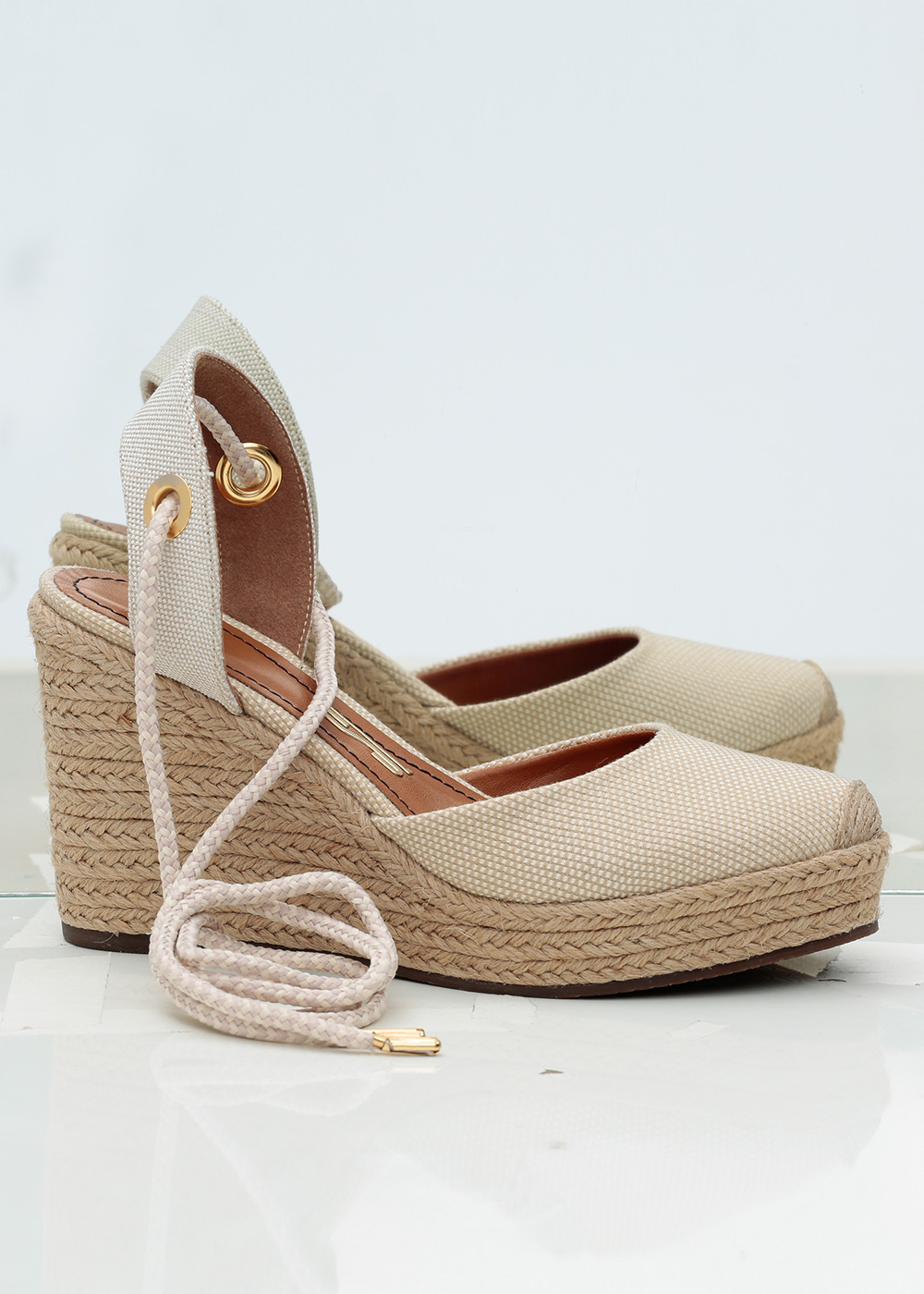
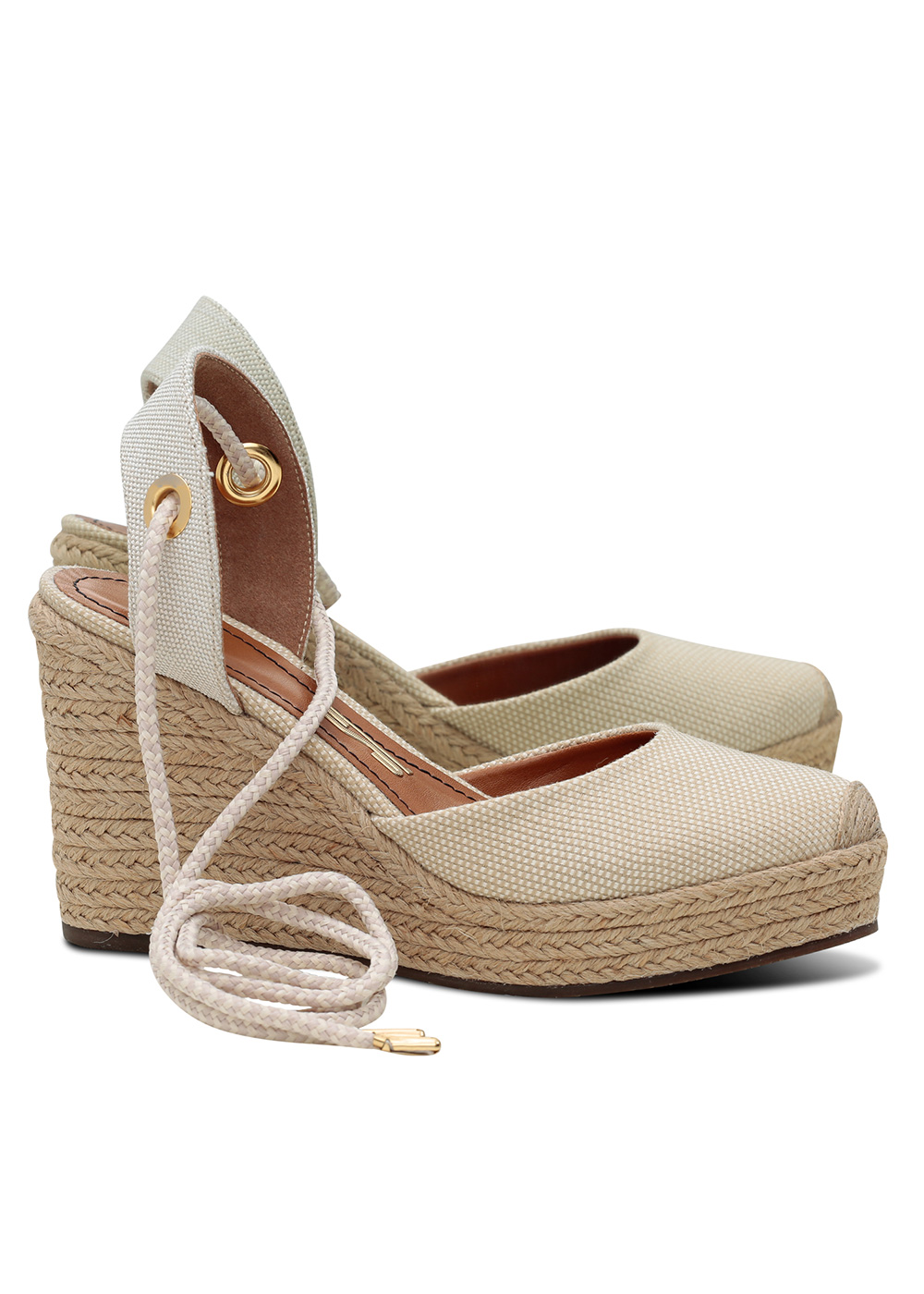
The path sits just inside the product edge, so there is no grey halo on white and no bite taken out of the product when a customer zooms in.
A path you can reuse
Every file comes back as a layered PSD or TIFF with the path saved. Change the background next season without paying for the cut-out again.
The same margins on every SKU
Crop, alignment and product size follow one written spec, so your category pages line up instead of jumping around.
Types of clipping path, and what they cost
The price depends on the shape of the product, not on how good the photo is. We grade each image and show you the level with the delivery.
Basic
$0.75 / image
- One closed shape, few curves
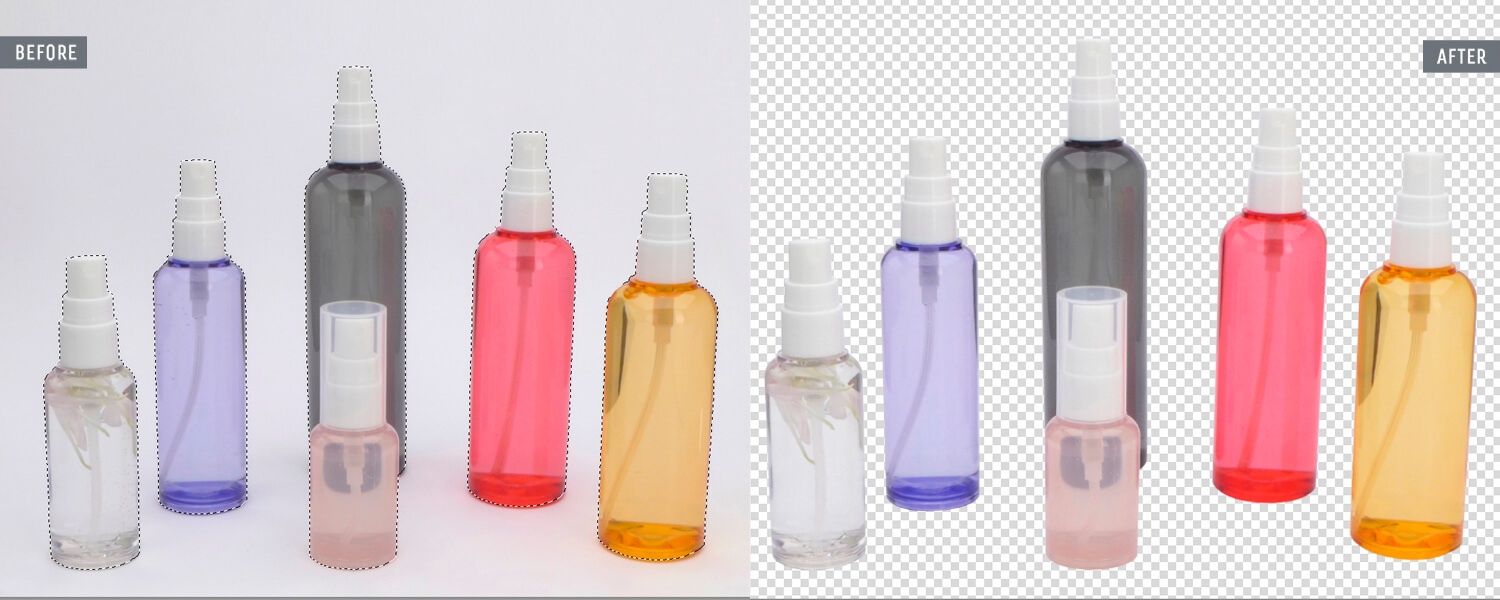
- Boxes, bottles, phones, books
- White or colored background
- Crop and margins to your spec
Advanced
$1.50 / image
- Many curves and inner holes
- Shoes, bags with handles, cups
- Gaps between parts removed
- Natural shadow on request
Complex
$3.00 / image
- Dozens of holes and fine detail
- Bicycles, chairs, chains, fences
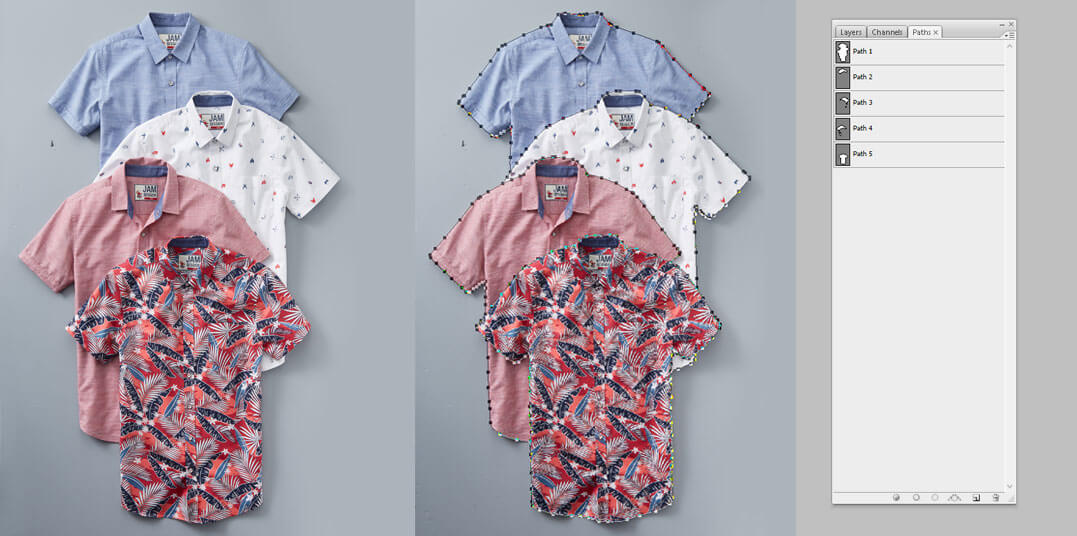
- Multi-path: every part on its own path
- Groups of products in one shot
Multi-path, for colorways
Shoot one sneaker and sell it in six colors. With a separate path for the upper, sole, laces and logo, each part can be recolored or adjusted without touching the rest. It is the cheapest way to show every colorway without a second shoot.
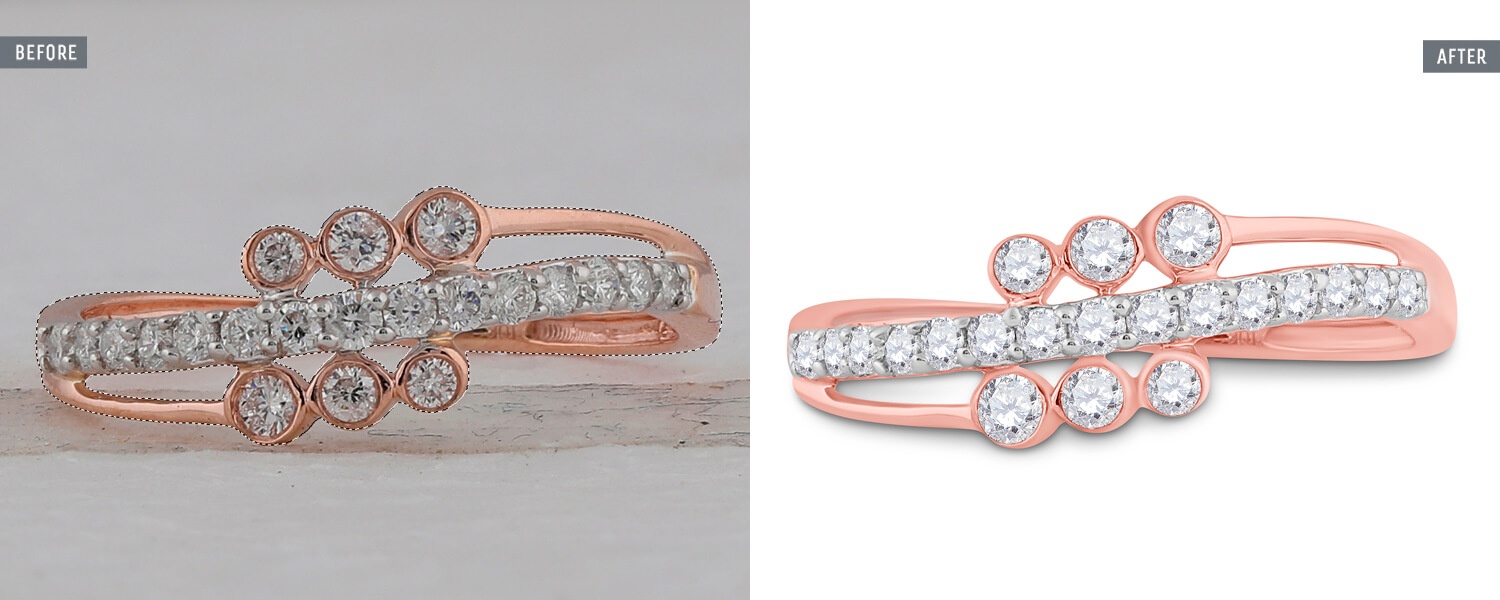
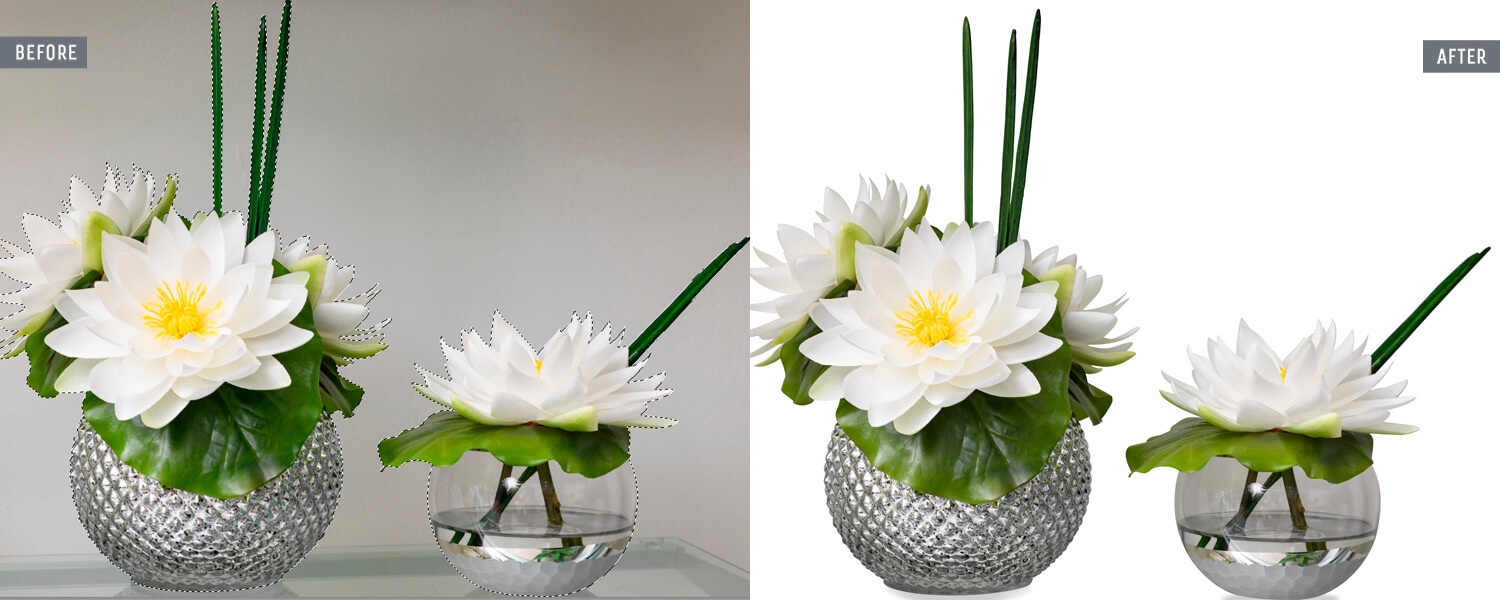
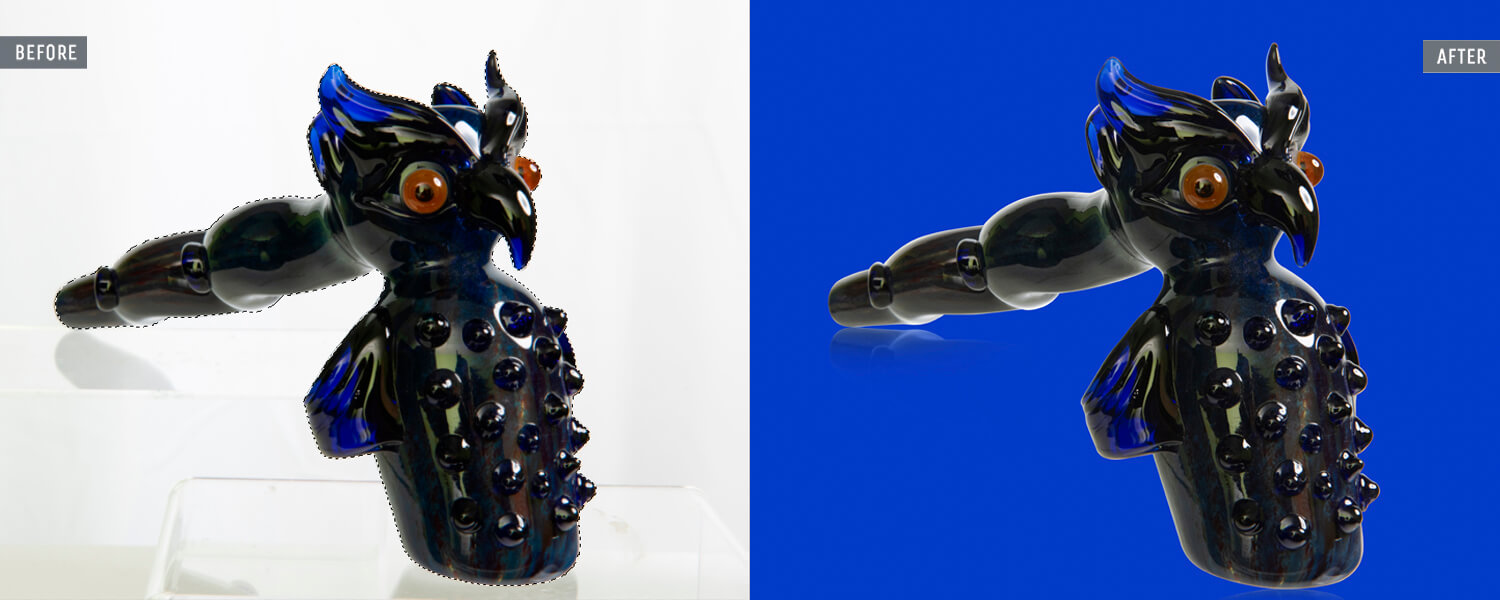
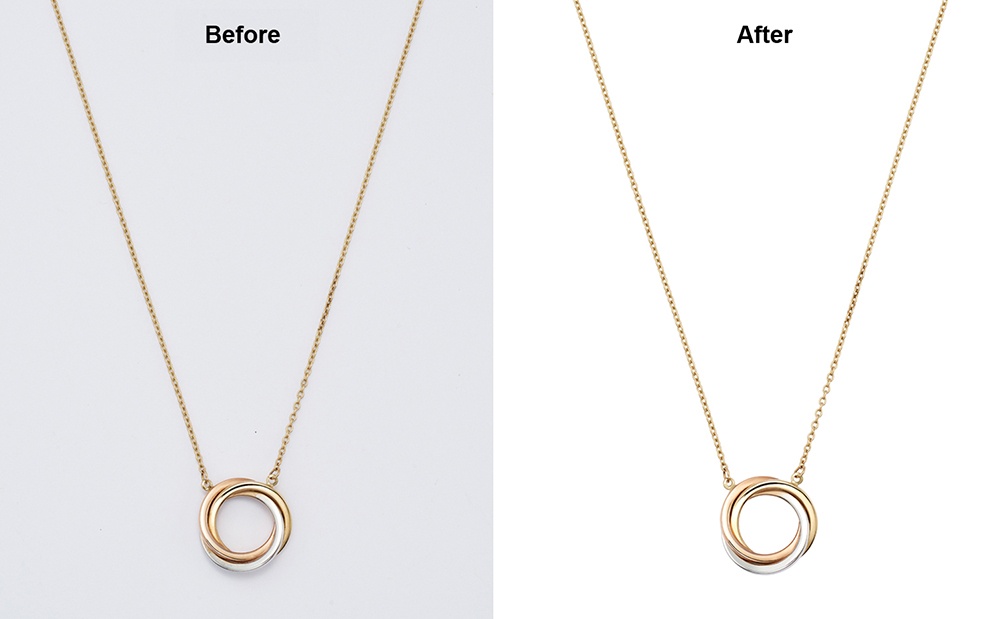
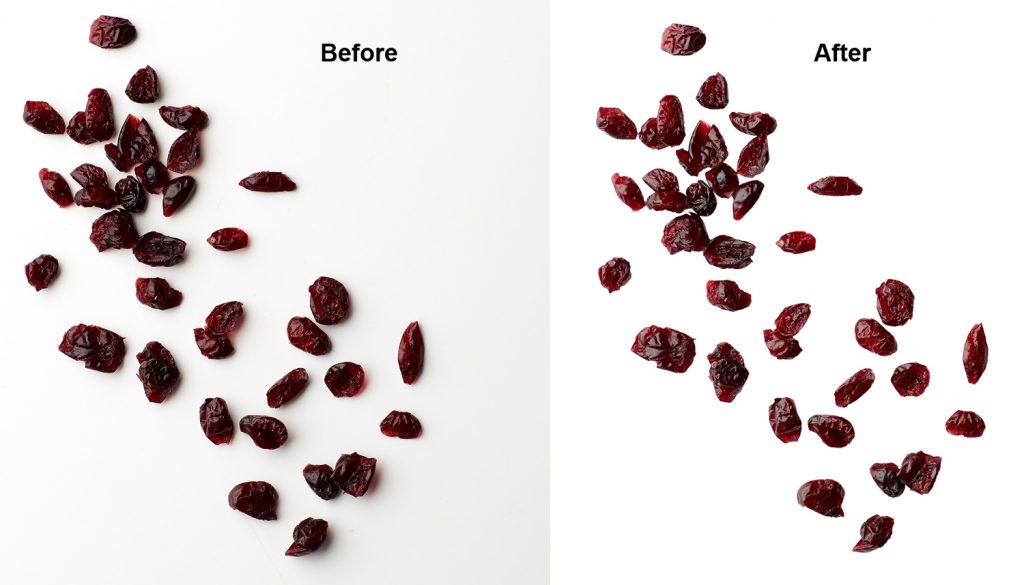
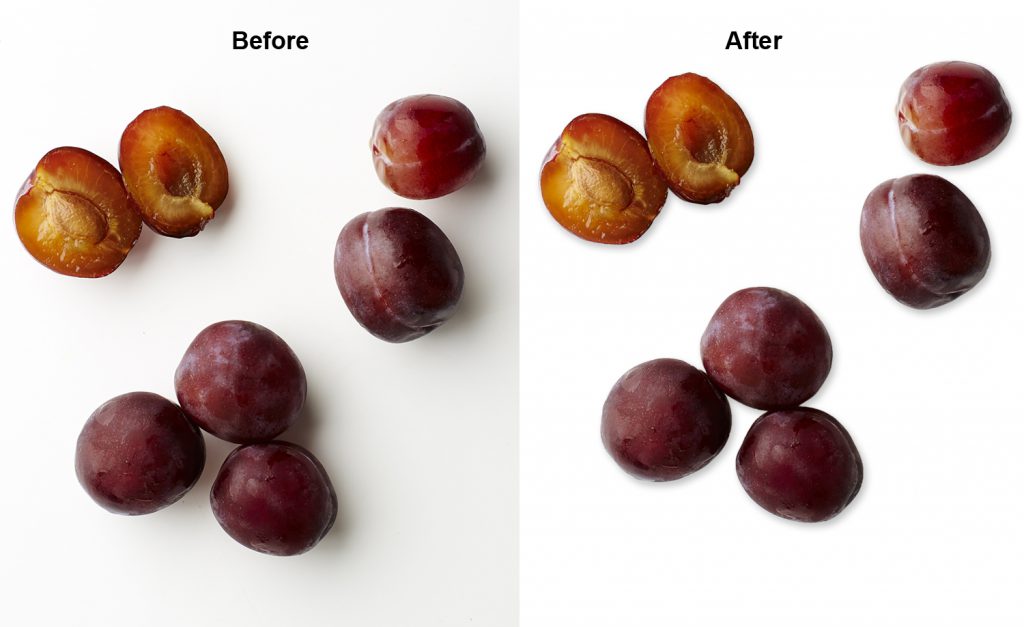
Recent clipping path work
Each image shows the original shot and the finished cut-out.
Where AI falls short
Background removers get the easy 80% right
One-click tools are fine for a mug on a plain table. The trouble is the other 20% of a catalog: the gap between a bag and its handle, the inside of a chair back, the laces of a boot, glass that is half product and half background. An automatic mask either leaves a soft grey halo or cuts into the product, and on a white marketplace background both are easy to see.
A retoucher with a pen tool follows the real edge, decides where the product ends, and saves that decision as a path you own. When your images sit next to a competitor’s on Amazon or Zalando, that clean edge is what makes yours look like the premium option.
Clipping path or image masking?
You don’t have to choose. We pick the right method for each image and tell you which one we used.
Clipping path
For hard, defined edges: shoes, bags, electronics, furniture, packaging, jewelry. Sharp, exact and editable as a vector path.
Image masking
For soft or see-through edges: hair, fur, lace, knit fluff, glass and liquid. A path can’t follow a single hair; a mask can. From $2.00 per image.
Both together
A model in a structured coat: path for the coat, mask for the hair. Priced as the higher of the two, never both.
Backgrounds we deliver
- Pure white. RGB 255, 255, 255, as Amazon asks for on main images.
- Off-white or brand color. One exact value, used on every image.
- Transparent. PNG or layered PSD for your designers and ads.
- Original background, cleaned. Kept, with the product isolated on its own layer.
What you get back
- FormatsJPG, PNG, TIFF, PSD with path
- SizeYour pixel size and aspect ratio
- Product fillTo your spec, e.g. 85% of frame
- Color profilesRGB or Adobe RGB, embedded
- ShadowNone, natural, drop or reflection
- File namesYour SKU naming, unchanged
- TurnaroundNext morning, or 6-hour rush
From upload to approved, overnight
The same five steps for one image or five thousand. Nothing leaves without a second pair of eyes.
- Send. Share a Dropbox, Google Drive or WeTransfer link, or email 3 images.
- Style guide. We write down your crop, margins, background, shadow and color once. Every retoucher works from it.
- Retouch. Software does the routine selection. Your dedicated team finishes edges, fabric, metal and color by hand.
- Senior check. A senior retoucher compares every file with your guide and with the rest of the set.
- Approve, then pay. Files land in your folder, in your naming and size. You approve, then we invoice.
Clipping path questions
What is a clipping path?
A vector outline drawn around a product with Photoshop’s pen tool. Everything outside the path is removed or replaced, so the product can sit on white, on a color or on nothing at all.
Is clipping path the same as background removal?
Background removal is the result; a clipping path is one way to get there, and the most precise one for hard-edged products. For hair, fur or glass we use masking instead.
Will the path be saved in my files?
Yes. PSD and TIFF files come back with the path named and saved, at no extra cost.
Can you keep the original shadow?
Yes. We can keep the shadow from your shot, rebuild a natural one, or add a drop shadow or reflection. A shadow on Basic images is +$0.30.
How many images can you do overnight?
Tell us the number and the deadline when you send them. With 25+ retouchers in-house we plan the shift around your order, and confirm the delivery time before we start.
Do you follow Amazon, Shopify and eBay image rules?
Yes. Tell us where the images will go and we crop, size and set the background to that marketplace’s rules, or to your own spec if it is stricter.
Related services
Your next 3 images are on us.
Send them tonight. See them finished tomorrow, with a quote for the rest.
- Back within 24 hours, usually sooner
- No card, no contract
- Your files stay private