Professional Background Removal Service for Ecommerce Product Images

We provide accurate background removal services for ecommerce sellers and brands who need clean, distraction-free product images. Our team ensures consistent quality, fast delivery, and results ready for online marketplaces.

Why Outsource Background Removal Services to us?
24X7
Operations
On-Time
Delivery
100% Privacy
& Security
100+ Expert
Designers
Unlimited Free
Revisions
High Discounts
on Bulk Orders

Professional Image Background Removal Services

Our professional image background removal services help ecommerce sellers and brands create clean, distraction-free product images. We carefully remove unwanted backgrounds while preserving fine details, natural edges, and accurate shadows. Whether you sell on Amazon, Shopify, eBay, or your own store, our background removal service ensures consistent, high-quality images optimized for online marketplaces.

Making Transparent Background

Starts From $0.49

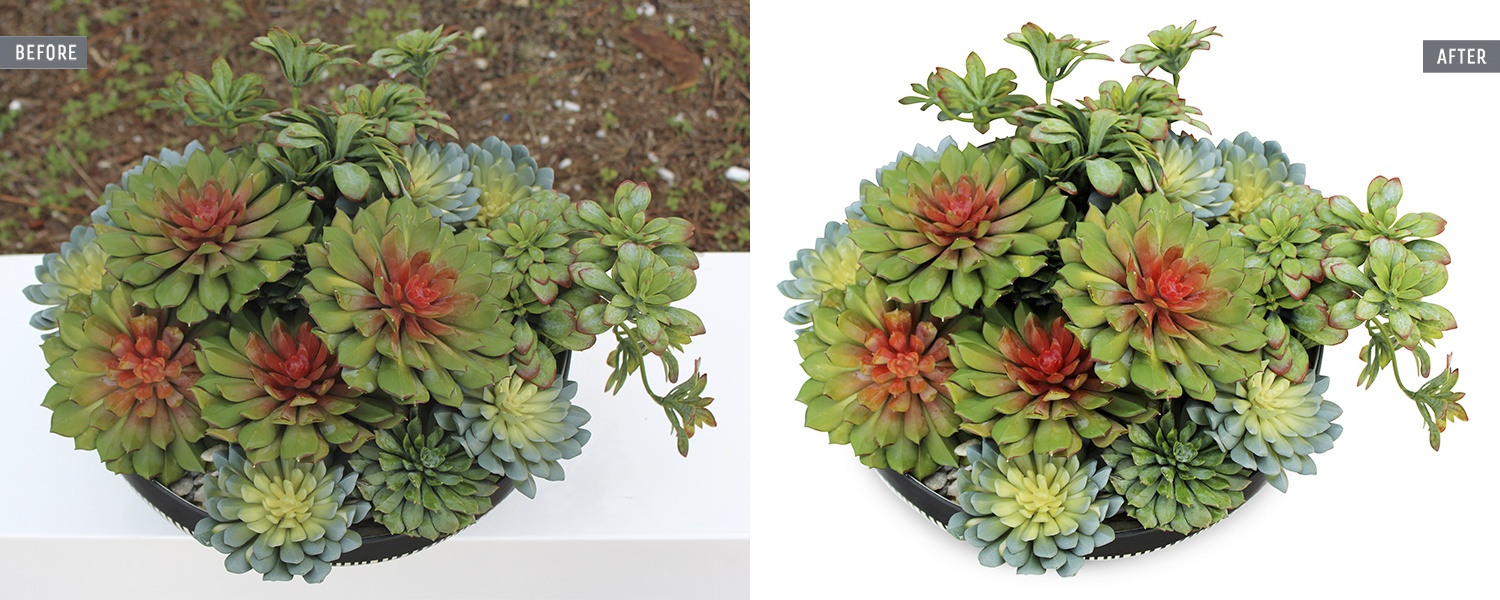
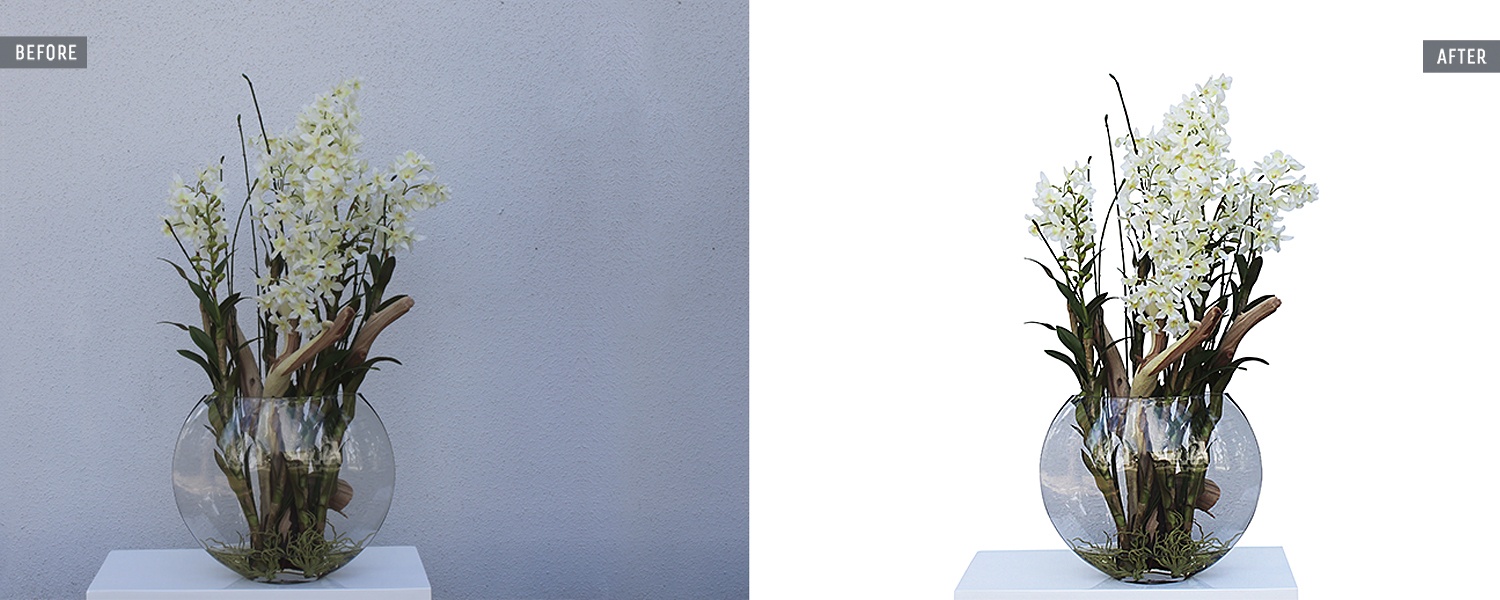
If you own a website for your business regardless of the business size, you have to use a transparent background for the logo placement on different pages to look professional. This is because when you use a white or colored background, it will clash with the webpage surrounding color making your logo appearance eye-teasing and out of place. Likewise, you can use a transparent background for logo and other designs in other spots like t-shirts, letterheads, images, and videos. We flawlessly make backgrounds transparent at a budget-friendly price.

Making White and Colored Background

Starts From $0.99

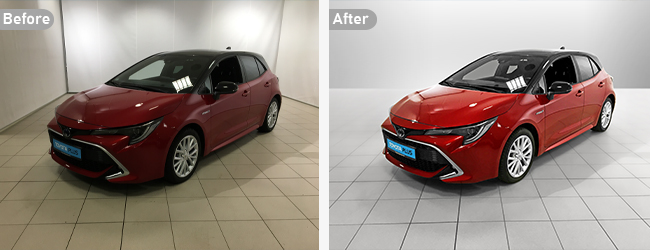
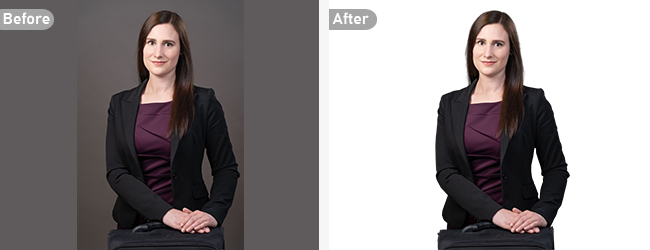
White background is very crucial when it comes to displaying products in your online store. When you use white backgrounds, it showcases the details of your products. This grabs the attention of your clients easily and they feel motivated and enthusiastic to make purchases. But when it comes to branding, you have to go for colored backgrounds. You have to design your Home page, About Us page, Category pages with solid background color prioritizing the branding factor. We transform backgrounds both from color to white and white to color perfectly for e-commerce products.

Background Replacement

Starts From $1.99

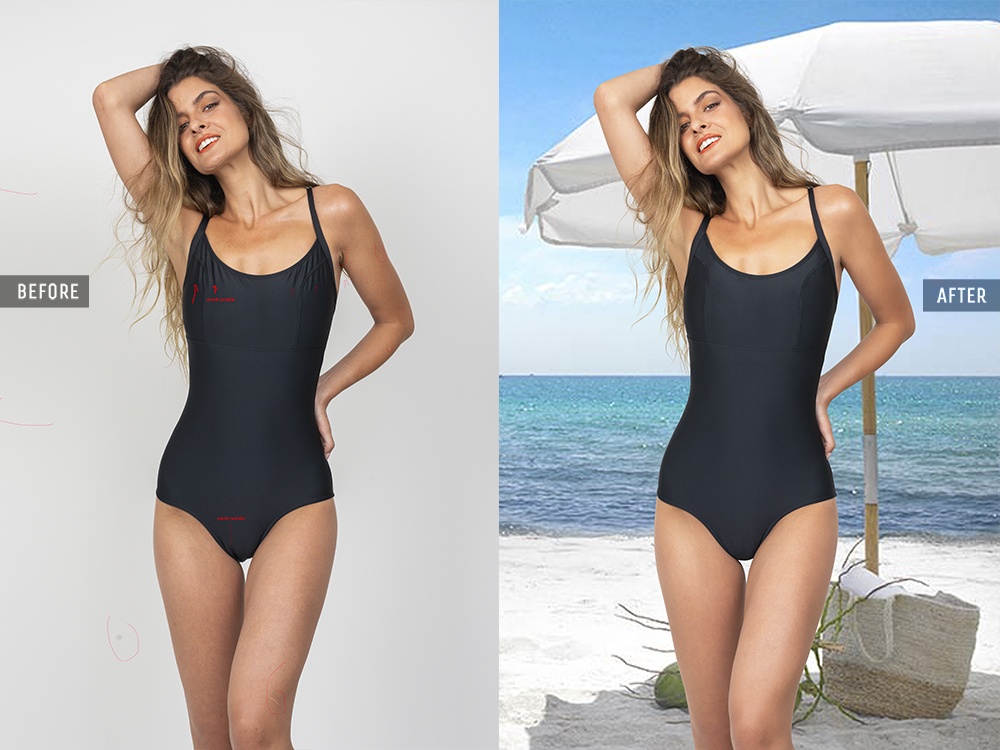
As a pro photographer, you may take plenty of photographs. Whether it’s lifestyle photography, portrait photography, event photography, real estate photography, or any other genre of photography, you may end up taking shots with improper backgrounds. This is where our background replacement or background swap service comes into play. We replace messy and glaring backgrounds with proper and eye-soothing backgrounds to satisfy our clients.

Background Blurring

Starts From $3.99

After you take shots of models, landscapes, or events, you often face the issue of distracting elements in the background. Sometimes, there can be elements in the background that may be irrelevant to the subject. We offer background blurring service to resolve these types of drawbacks easily and smoothly. On top of that, we maintain the necessary depth of field and bring the desired focus on the subject exactly how you fancy.

Advanced Background Editing

Starts From $7.99

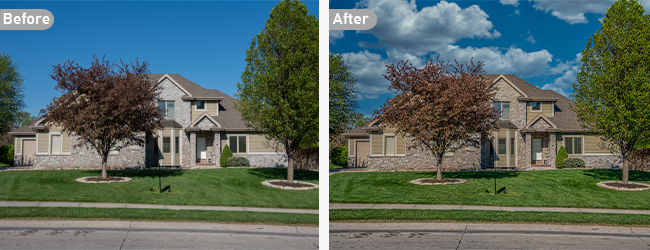
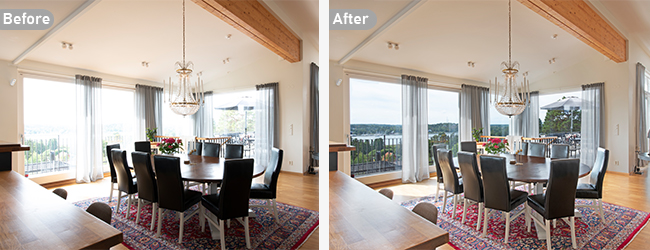
Many a time after you shoot photography, it’s very common that you have mediocre backgrounds in some of your shots. Along with that, they contain exposure, color, contrast, and shadow issues which totally turn your photos into dull ones. As part of our advanced background editing or manipulation service, we adjust the color, contrast, as well as exposure, add or remove shadow depending on necessity, and even transform the entire background environment to give the photo a

Background Merging

Starts From $1.29

Background merging is a special attraction of our image background and editing service. Sometimes, after taking snaps, you may urge to add a creative and an artistic touch to your photoshoot. With this service, we take several backgrounds and merge them in one photo in such a way so that it gives both compelling and realistic appearance. We blend the separate backgrounds and make the composition so perfect that no merging line shows up on the photo.

Disclaimer: The before/after photos are used as a sample of services we offer. The actual price of displayed images might be higher than the mentioned Starting Price. For accurate prices, please Request a Quote

Our Background Removal Workflow

1

Image Review

We carefully review your product images to understand background complexity, edges, and shadow requirements before starting the background removal process.

2

Precise Background Removal

Our experts manually remove backgrounds using advanced tools to ensure clean cutouts, smooth edges, and natural-looking results.

3

Quality Assurance

Each image goes through strict quality checks to ensure accuracy, consistency, and compliance with ecommerce platform standards.

4

Final Delivery

We deliver the final images in your preferred format, ready for use on Amazon, Shopify, websites, catalogs, or marketing materials.

Methods We Apply to Remove Background from images

There are multiple ways available to remove background from images. But we basically make use of clipping path and image masking leveraging the deft touch of our background removal professionals. To get an idea about both these methods, don’t leave without skimming through the segments below-

Background Removal Applying Clipping Path

In order to remove the background of an image, we primarily utilize the clipping path technique. In the process of clipping the path, we cut out a 2D image using the pen tool from Photoshop to bring out a perfect output. At first, our professional photo editors draw a path around the edge of a subject. Once the path drawing is complete, the image background is removed and the subject remains as part of the image.

Clipping path is generally applied to the photographs that contain objects having hard and smooth edges like tables, chairs, mannequins, etc. For the sake of providing better output, we categorize the clipping path into 6 different parts based on product difficulty- basic, simple, medium, complex, multiple, and super-complex.
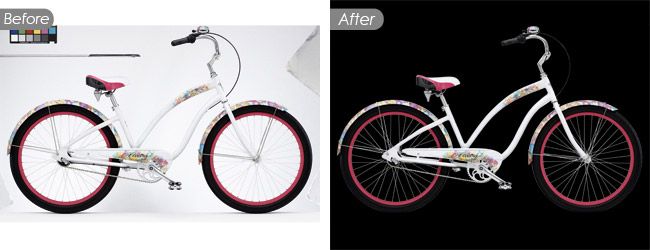
Background Removal Applying Image Masking

When the clipping path technique isn’t adequate to maintain perfection in background cut-out, image masking is the go-to one then. Image masking is a strategy we apply in objects having soft and rough edges using a pen tablet (Wacom) that enables hand-drawing and selecting images with accuracy. The remaining portions having a hard edge are drawn and selected by the pen tool of Adobe Photoshop. To remove background through image masking, the subject of an image is masked or hidden and the background is revealed. Once the masking is done, the background is eliminated afterward.

There are many images having complex shapes with curves and turn, blurred and furry edge in which image masking technique is inevitable to get perfection in editing. For example, human hair, animal fur, feather, blanket, smoke, flame, lighting, muslin, glass, etc. Depending on the needs of an image, we apply different sorts of image masking techniques to cut out the background. They include layer masking, alpha channel masking, fur and hair masking, clipping mask, transparent masking, translucent masking, refine edge masking, and color masking.